Make you employees 'see' and they will neglect the need for instructions
'See' what? you might ask, well stick with me here...
Most people’s experience with AI still begins and ends with ChatGPT.
They may have generated images, created a PowerPoint, experimented with a ChatGPT Project or used Copilot to summarise a document. These tools are useful, but they do not necessarily help people understand how AI can improve larger, connected workflows inside a company.
Much of the public conversation focuses on what AI can do.
We hear about language models, agents, copilots, image generation and AI-first organisations. Technology companies, consultancies and conferences spend a great deal of time explaining why companies need to adopt AI.
That conversation can easily become a smokescreen.
The more useful question is how AI can help us build better ways of working.
Those are two very different starting points.
Projects with almost no AI in them
When we work with companies that want to explore the potential of AI, we often return with several different solution concepts.
Some use a language model. Others use machine learning, image recognition, speech recognition or semantic search. Many use no AI at all.
They rely on ordinary software, integrations, databases, scripts and automated workflows.
That often surprises the client.
The surprise is not caused by the quality of the solutions. Some of the ideas that clients find most valuable are the ones built entirely with conventional software practices.
They simply expected an AI project to contain more AI.
The best solution might be a process that stores an incoming file in the correct location.
A Jira ticket might trigger the creation of a folder structure, download the required files and prepare everything for the next person in the workflow.
Information entered by an employee might be stored in a shared database instead of an Excel file that is passed between several people and updated asynchronously.
A change in task status might automatically update another system.
At the end of the month, the latest data might be turned into a report, a PDF or a PowerPoint without anyone manually copying figures between documents.
None of this requires a language model.
It requires software.
One of the biggest misunderstandings in the current AI debate is the assumption that every valuable improvement must contain some visible form of AI.
Companies become so focused on finding places for a language model that they overlook processes that simply need to be automated properly.
A large amount of office work is deterministic.
Someone opens a file, copies information, checks a field, creates a folder, updates a system and sends the result to another person. The process pauses for approval and then continues.
These tasks may be tedious, but they are usually predictable.
Predictable processes should generally be built with predictable technology.
Where AI actually fits
AI still has a role.
A language model may be useful when a system needs to classify free text, compare the meaning of different sentences, summarise documents or interpret information that does not follow a fixed structure.
Image recognition can help identify objects, document types or defects in photographs.
Speech recognition can turn spoken input into structured data. Speech output may make a workflow accessible in situations where a screen or keyboard is impractical.
Machine learning may also be the right choice when the system needs to identify patterns that cannot be expressed through a simple set of rules.
The technology should be selected because it fits the problem.
A project should not be forced to use AI simply because it began as an AI initiative.
A successful AI discovery process may therefore result in a solution with no AI in the final product.
AI may still have played an important role. It may have helped the team research the problem, explore technical options, design the architecture and build the first working version.
What an ordinary employee can now build
The value may lie in what people were able to create with AI.
An ordinary employee can now build something that previously required development capacity, a project manager, a budget and several months of waiting.
Someone who understands a specific business process can use tools such as Codex or Claude Code to create small pieces of custom software.
This does not have to mean building a public website or a large application.
It might be a local tool running on a company computer.
It might be a simple interface connected to a database.
It might be a dashboard with one button that starts a longer process.
It might be a scheduled task that checks an inbox every morning and moves selected messages into the correct workflow.
It might be an integration that transfers data from one system to another.
It could automate a linear process from its first trigger to its final action, pausing only where human judgement is genuinely required.
This is where many companies will find their first meaningful gains from AI.
A complete AI-first transformation may eventually make sense, but that is a major technical and political change. Large organisations cannot easily redesign their processes, systems and responsibilities in one move.
Teaching employees to see systems
A more practical starting point is teaching employees how to build with AI.
Once someone has built a small piece of software, their view of everyday work begins to change.
An Excel sheet no longer has to remain an Excel sheet.
It may be better represented as a shared database with a simple interface, controlled access and one reliable source of data.
A monthly report no longer has to be assembled by hand.
It can be generated from information that already exists in the company’s systems.
A long sequence of clicks may no longer look like a permanent part of someone’s job.
It starts to look like a workflow that has not yet been automated.
When a process can be drawn as a sequence in which one action regularly follows another, there is a good chance that much of it can be automated.
The important design decision is where the system should continue on its own and where a person should step in.
A payment may need approval.
An unusual result may need to be checked.
An exception may require professional judgement.
The rest of the process can often continue automatically while keeping a record of what happened.
This is the kind of understanding employees need.
Why a conference in Copenhagen is not enough
Sending senior leaders to an expensive AI conference in Copenhagen may increase awareness. They may hear about generative AI, agentic systems and the future of work.
Leadership should understand these topics.
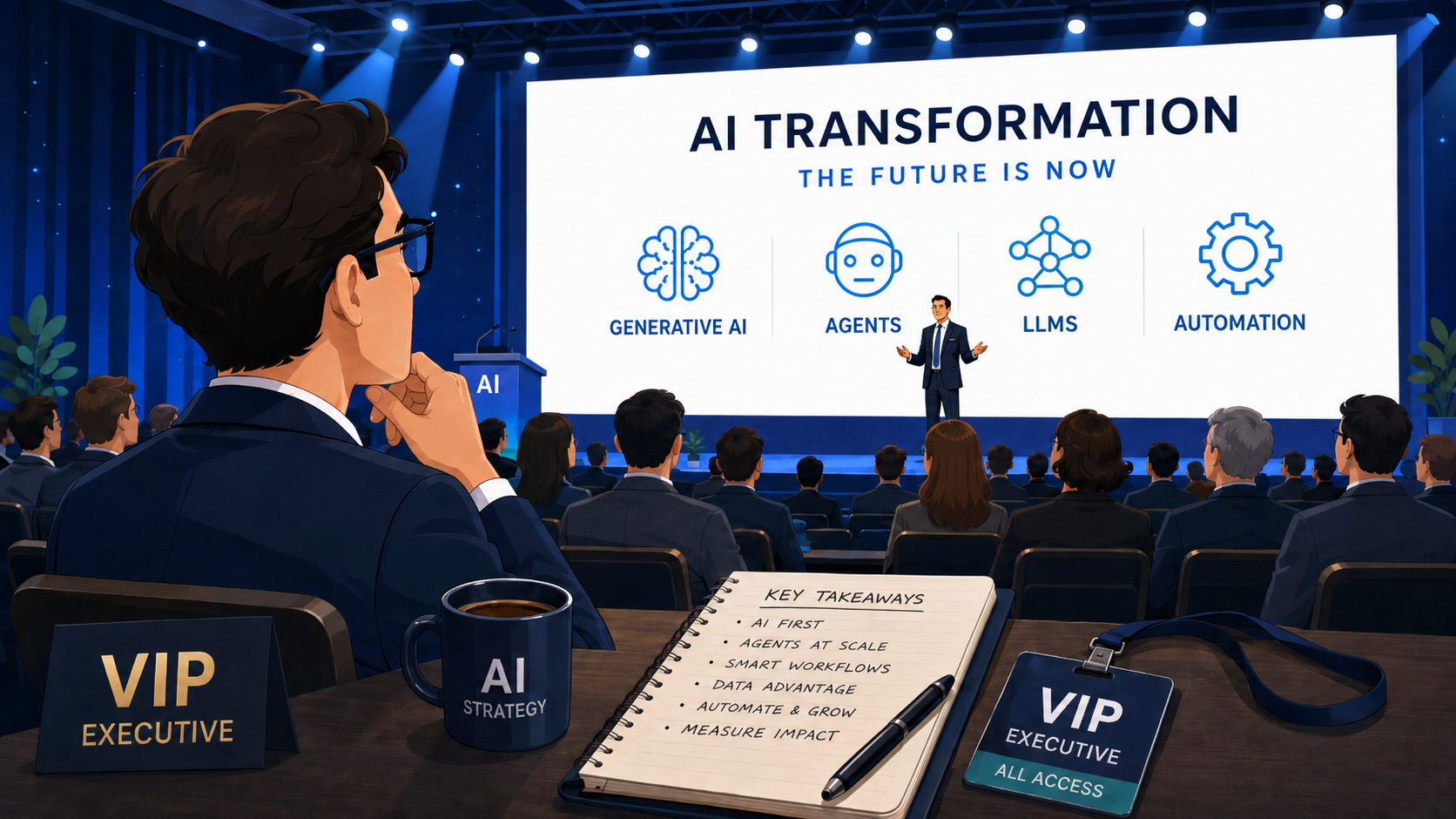
The limitation is that senior leaders are rarely the people copying information between systems, searching for missing files, updating spreadsheets and repeating the same clicks every day.
The detailed problems are usually known by the people doing the work.
They should be among the first to learn how to identify automation opportunities.
A practical course in building with AI
I would start with a practical course in building with AI.
A course in prompt writing alone is not enough.
Employees should learn how to build workflows and small pieces of software. They should also receive a basic introduction to system architecture.
They need a working understanding of frontends, backends, databases and APIs.
They should know how systems exchange information, what it means for a process to run locally or on a server, and why latency can matter when several systems depend on each other.
They should learn when to buy an existing product, when an open-source tool is sufficient and when a small custom solution makes more sense.
They also need to understand the cost and consequences of using external services.
A feature that uses a commercial AI model may require a paid API key. Image recognition, transcription and speech generation all have different technical requirements, pricing models and data implications.
The same applies to ordinary software.
A company building a minimal internal content system may not need an expensive enterprise CMS. A mature open-source product may solve the problem. In other cases, a small purpose-built system may be simpler than configuring a large platform.
Employees do not need to become professional developers.
They need enough understanding to think in systems instead of seeing every problem as a document, spreadsheet or manual task.
They should be able to recognise when data belongs in a database, when an integration can remove an unnecessary handover and when a workflow can be triggered automatically.
They should also be comfortable reaching the conclusion that AI adds no value to a particular solution.
Build days, not workshops
After the training, employees do not necessarily need to start building immediately.
They should return to their normal work and spend some time seeing it through this new lens.
The repetitive steps become more visible.
They notice where information is entered twice, where files are moved manually and where several people maintain different versions of the same data.
They begin to recognise systems that do not communicate and approvals that exist only because the surrounding process was designed years ago.
A month later, the company could give them one or two genuine build days.
This should be more than a workshop that ends with colourful Post-it notes.
Employees should have time to create a working prototype that addresses a real problem from their daily work.
IT's role changes too
The IT department needs to be involved.
Its role should extend beyond maintaining a fixed whitelist of approved tools and rejecting everything else.
IT should help evaluate the technologies, integrations and open-source products that employees propose.
Someone may suggest a specific database, CMS, AI service or automation framework. IT can assess whether it fits the company’s requirements for security, data handling, compliance, maintenance and long-term operation.
AI tools can also be given context about the company’s architecture, security standards, approved platforms and technical limitations.
This will improve the recommendations they produce.
It will not replace the judgement of the people responsible for security, architecture and operations.
Employees should not be allowed to place any experiment directly into production.
They should be able to create prototypes and demonstrate solutions without first writing a long business case and waiting six months for development capacity.
That balance matters.
The people closest to the problems should be able to explore solutions. IT should help turn the useful ones into secure and maintainable systems.
Make the user see
This links back to a principle I keep returning to:
"Make the user see and they will neglect the need for instructions."
Once employees have learned to build with AI, they begin to see their work as systems, data flows, integrations and automatable steps.
Leadership no longer needs to tell them where AI should be inserted.
They can identify where a process can be improved.
They can also identify where AI would make the solution less reliable, more expensive or unnecessarily complicated.
The shift comes from giving people a different way to see their work.
That is why AI transformation should not live only in leadership strategies, conference presentations and software licences.
It should also grow from the everyday problems experienced by the people doing the work.
Employees can start by automating small processes.
Those examples give managers a much more concrete understanding of what automation can achieve across larger parts of the organisation.
Over time, the company becomes able to rethink complete workflows, functions and areas of responsibility.
AI may never appear in the final product.
Its value may have been giving people the ability to find and build the right solution.
84 views